
WordPress 7.0 is one of the most exciting updates in recent years. With a strong focus on collaboration, AI, and a smoother editing experience, this release is set to change how websites are built and managed.
Scheduled for release on 2026, WordPress 7.0 introduces powerful new features that benefit bloggers, developers, and teams alike.
In this article, we’ll break down all the major features in simple, human language so you can understand what’s coming and how it impacts your website.
1. Real-Time Collaboration (Google Docs Style Editing)
One of the biggest highlights of WordPress 7.0 is real-time collaboration.
Now, multiple users can work on the same post or page at the same time — just like Google Docs.
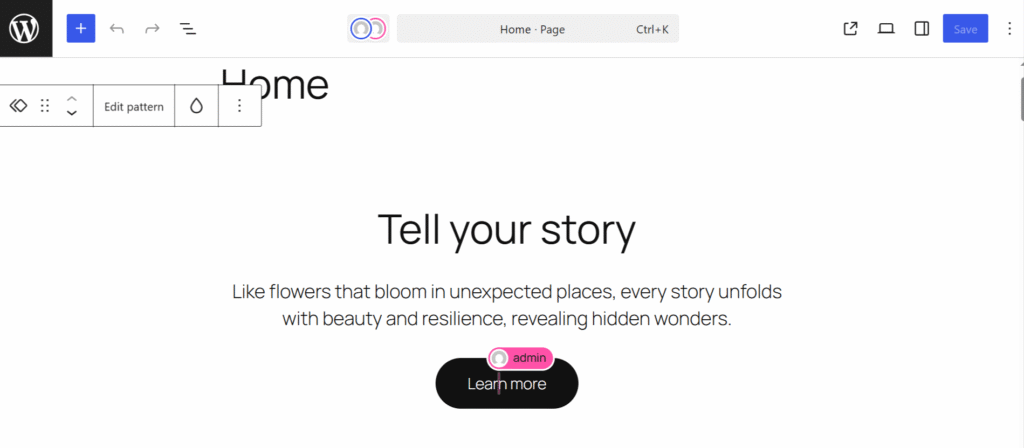
Key benefits:
- No more “post locked” message
- See changes instantly
- Better teamwork for content teams
This feature has been long-awaited and is part of Gutenberg Phase 3 (collaboration).
👉 If you work with writers or clients, this alone is a game-changer.
2. Built-in AI Integration (Future-Ready WordPress)
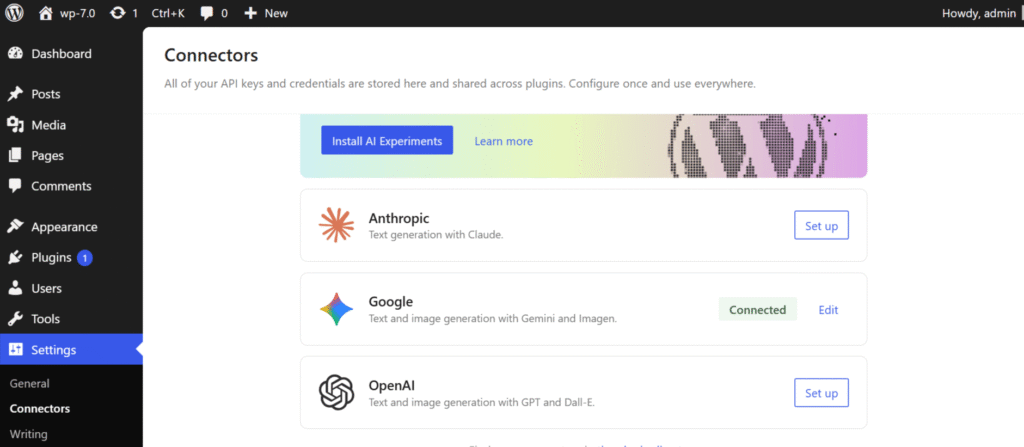
WordPress 7.0 is introducing a native AI infrastructure, which is huge.
Instead of relying on separate plugins, WordPress will now support:
- AI providers like OpenAI, Google, Anthropic etc.
- A shared AI client system
- Easy integration for developers
This means in the future you can:
- Generate content
- Improve SEO
- Automate workflows
All directly inside WordPress.
👉 Important: It’s more about foundation now, full AI features will grow over time.
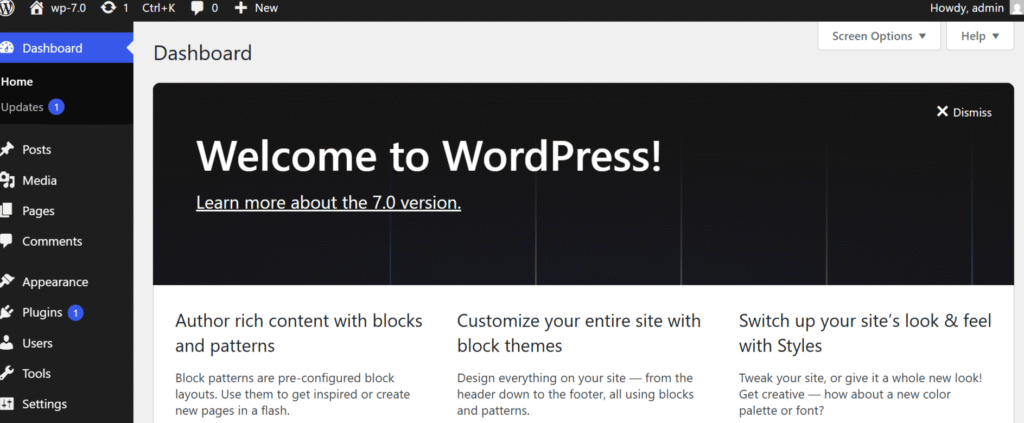
3. Refreshed Admin Dashboard
WordPress 7.0 brings a cleaner and modern admin UI.
Improvements:
- New color scheme
- Smooth transitions
- Better navigation experience
It’s not a complete redesign, but it feels faster and more polished.
4. New Admin Search (Ctrl + K Command Palette)
A small but super powerful feature in WordPress 7.0 is the new admin search using Ctrl + K.
Now you don’t need to click through menus or remember where settings are.
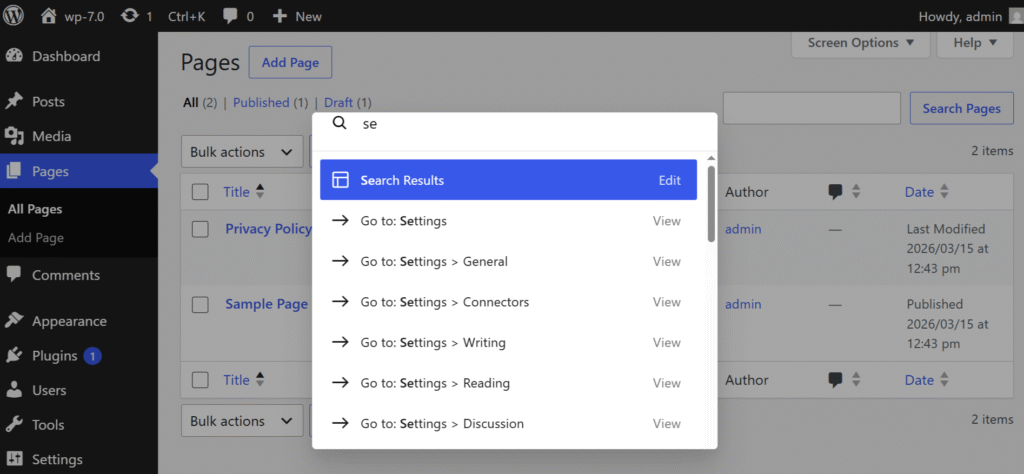
Just press Ctrl + K and:
- Instantly search pages, posts, settings
- Jump to any section of the dashboard
- Perform actions faster
👉 It works like a command palette (similar to VS Code or modern apps)
This feature significantly improves productivity, especially for developers and power users.
Final Thoughts
WordPress 7.0 is not just another update — it’s a foundation for the future.
Biggest highlights:
✔ Real-time collaboration
✔ AI integration
✔ Better design tools
✔ Improved performance
✔ Modern admin experience
If you use WordPress regularly, this update will make your workflow faster, smoother, and more powerful.