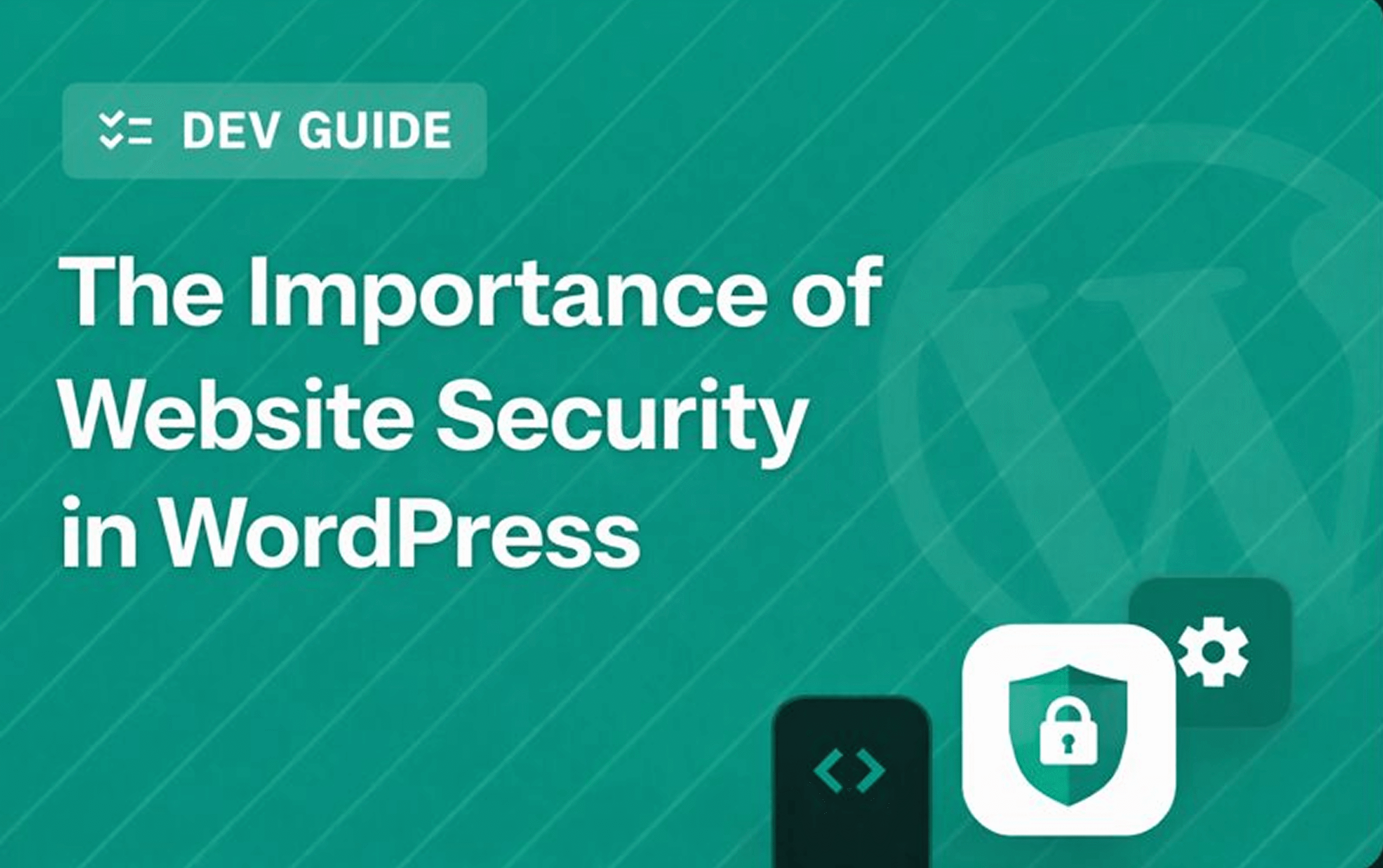
With WordPress powering more than 40% of all websites, it has become a prime target for cyber-attacks. Whether you run a business website, blog, or online store, securing your WordPress site is essential—not only to protect data, but also to maintain trust, performance, and long-term credibility.
Why WordPress Website Security Matters
1. Protect Sensitive Data
WordPress websites often collect user information—including personal data, login credentials, and payment details. A security breach can result in stolen data, identity theft, or financial loss for both you and your visitors.
2. Safeguard Your Brand Reputation
A compromised website can quickly damage credibility. Malware warnings, defaced pages, or spam redirects cause visitors to lose trust—and once lost, trust is difficult to rebuild. Good security shows professionalism and reliability.
3. Prevent Downtime and Revenue Loss
Cyber-attacks and malware infections often lead to downtime while the issue is being fixed. For eCommerce and business sites, even short interruptions can result in lost sales, leads, and customer engagement.
4. Protect Your SEO Rankings
Search engines penalize websites flagged for malware or malicious activity. Recovering lost rankings takes time and effort, making proactive security essential for ongoing visibility and traffic.
Common Security Threats on WordPress
- Brute force login attempts
- Malware injections
- Outdated plugins and themes
- SQL injection and cross-site scripting (XSS)
- Weak passwords or security configurations
These vulnerabilities can expose your site to unauthorized access, data leaks, and performance degradation.
Best Practices for Securing Your WordPress Site
Keep WordPress Core, Themes & Plugins Updated
Patching known vulnerabilities is one of the simplest and most effective protection methods.
Use Strong Passwords & Two-Factor Authentication
Strong credentials and 2FA add critical layers of defense.
Install a Trusted Security Plugin
Tools like Wordfence, Sucuri, or iThemes Security can:
- block malicious traffic
- scan for threats
- monitor activity
Limit Login Attempts
Restricting logins helps mitigate brute-force attacks.
Regular Backups
Frequent backups ensure you can restore your site quickly if needed.
Choose Secure Hosting
Look for WordPress-optimized hosting with:
- firewalls
- malware scanning
- SSL support
Enable SSL Encryption
SSL protects data transfer and builds user trust—now essential for SEO.
Final Thoughts
Website security should never be an afterthought. For WordPress site owners, proactive protection is key to safeguarding data, maintaining user trust, and preventing costly downtime or ranking loss.
By keeping your website updated, using strong authentication, and following best security practices, you can ensure your WordPress site stays safe, secure, and reliable for the long term.